Cooks Coffee Maker Manual: A Comprehensive Guide
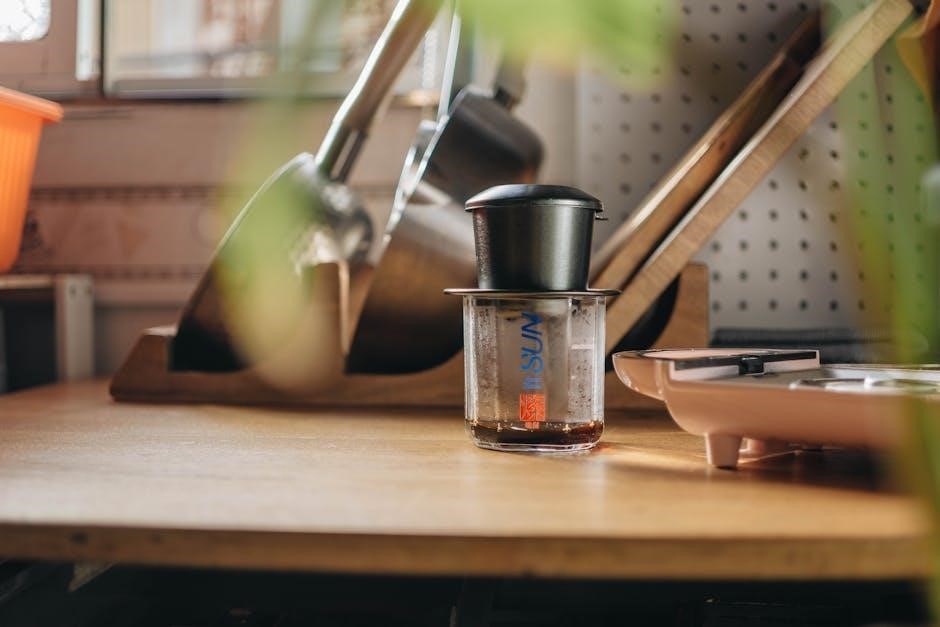
This manual provides essential guidance for Cooks coffee makers, covering programmable 12-cup models and single-serve K-Cup machines.
It details safety, setup, brewing, cleaning, and troubleshooting for optimal performance.
Cooks coffee makers are designed to deliver a convenient and satisfying coffee experience for a wide range of users. From the efficient 12-cup programmable models, ideal for families or offices, to the quick and versatile single-serve K-Cup machines, Cooks offers a solution for every coffee preference.
These appliances prioritize ease of use, incorporating features like programmable timers and simple brewing controls. Understanding your specific model – whether it’s the 12-cup version focused on batch brewing or the single-serve option for individual cups – is crucial for maximizing its functionality.
This manual aims to guide you through every aspect of your Cooks coffee maker, ensuring you can consistently enjoy a perfectly brewed cup. It covers essential information, including safety precautions, setup instructions, and troubleshooting tips, all designed to enhance your coffee-making journey.
Understanding Your Model: 12-Cup Programmable vs. Single-Serve
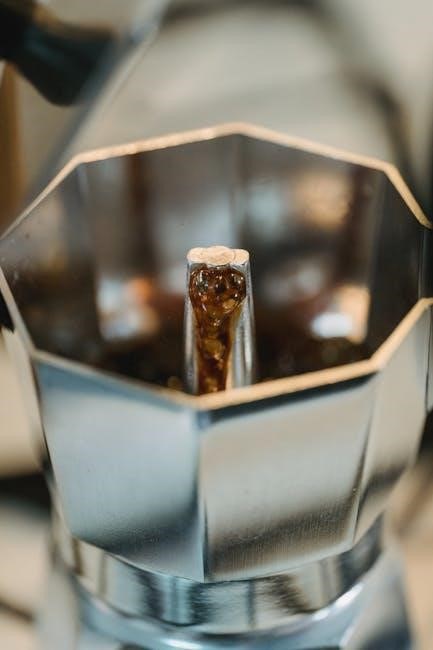
Cooks coffee makers come in two primary types: the 12-cup programmable model and the single-serve (K-Cup) machine. The 12-cup model excels at brewing larger quantities, perfect for households or offices needing multiple servings. Its programmable timer allows you to schedule brewing in advance, waking up to fresh coffee.
Conversely, the single-serve K-Cup machine offers convenience and variety. Utilizing K-Cup pods, it brews one cup at a time, providing a wide selection of flavors and brands. You can select your desired cup size – typically 6, 10, or 15 ounces – for a customized experience.
Choosing the right model depends on your coffee consumption habits. If you regularly brew for groups, the 12-cup is ideal. For individual preferences and quick brewing, the single-serve is the better choice.
Safety Precautions and Warnings
Prioritize safety when operating your Cooks coffee maker. Always ensure the appliance is placed on a stable, heat-resistant surface, away from water sources. Never immerse the coffee maker, cord, or plug in water or other liquids. Avoid operating the appliance with a damaged cord or plug; seek professional repair.
Hot surfaces pose a burn risk – exercise caution during and after brewing. Do not touch hot parts, such as the carafe or heating plate. Allow the coffee maker to cool completely before cleaning. Keep out of reach of children.
This appliance is for household use only. Misuse may result in fire, electric shock, or injury. Read all instructions carefully before use and retain this manual for future reference.
Important Safety Instructions
To reduce the risk of fire, electric shock, or injury, always follow these crucial safety guidelines. Never operate the appliance unattended. Unplug the coffee maker from the outlet when not in use and before cleaning. Allow it to cool before disassembling.
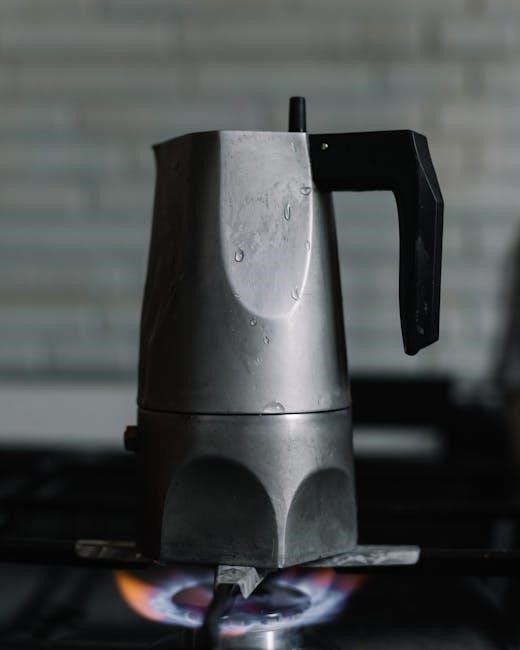
Avoid using extension cords. If necessary, use a heavy-duty extension cord suitable for the appliance’s wattage. Do not operate the coffee maker outdoors. Supervise children closely when the appliance is in use.
Never open the brew basket during the brewing cycle to prevent burns. Use caution when handling the hot carafe. Regularly inspect the cord for damage and discontinue use if any damage is detected.
Electrical Safety Guidelines
Ensure your outlet voltage matches the coffee maker’s specifications to prevent damage; Never operate the appliance with a damaged cord or plug. If the cord is damaged, it must be replaced by a qualified technician.
Do not immerse the coffee maker, cord, or plug in water or other liquids. Avoid running the cord over sharp edges or hot surfaces. Always unplug the coffee maker before cleaning or performing maintenance.
Never attempt to repair the coffee maker yourself. Contact a qualified service technician for repairs. Use a dedicated electrical circuit for the coffee maker to avoid overloading. Ensure the outlet is easily accessible for quick disconnection in emergencies.
Setting Up Your Cooks Coffee Maker
Before first use, unpack your Cooks coffee maker and inspect for any damage. Place the unit on a flat, stable surface away from water sources. Familiarize yourself with all parts – carafe, filter basket, water reservoir, and control panel.
Initial setup requires a thorough cleaning cycle. Fill the water reservoir with fresh, cold water and run a full brewing cycle without coffee grounds. Repeat this process two or three times to remove any manufacturing residue.
Proper preparation ensures optimal flavor and longevity. Ensure the carafe is correctly positioned on the warming plate. Always use a paper filter or a reusable filter in the filter basket.
Initial Cleaning Procedure
Prior to brewing your first pot, a crucial initial cleaning is essential. This removes any residual manufacturing oils or particles that could affect the taste of your coffee. Begin by filling the water reservoir to its maximum capacity with fresh, cold water.
Place the empty carafe onto the warming plate, ensuring it’s securely positioned. Initiate a full brewing cycle without adding any coffee grounds or a filter. Allow the cycle to complete entirely.
Repeat this process at least twice, and ideally three times, using fresh water each time. This thorough flushing guarantees a clean, pure coffee flavor from the very first brew.
Water Reservoir and Filter Basket Preparation
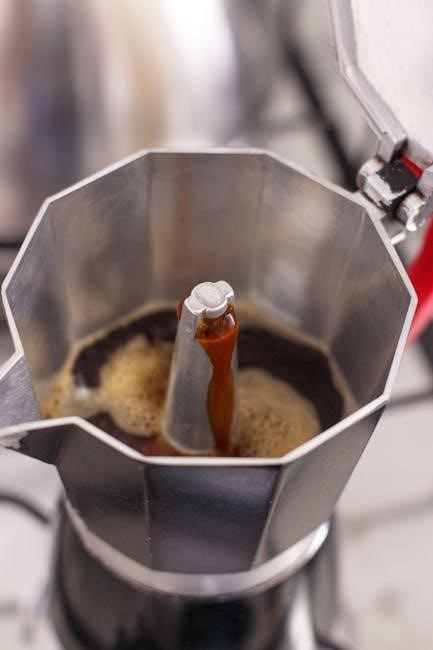
Proper preparation of both the water reservoir and filter basket is key to a delicious brew. Begin by removing the water reservoir from the coffee maker and filling it with the desired amount of fresh, cold water, referencing the water level markings for accurate measurement.
Next, open the filter basket compartment. Insert a paper filter – typically a cone or basket shape, depending on your model – into the basket. Ensure the filter is properly seated to prevent grounds from overflowing.
For optimal flavor, consider rinsing the paper filter with water before adding coffee grounds; this eliminates any papery taste. Now you’re ready to add your favorite coffee grounds!
Brewing Coffee: Step-by-Step Instructions
Achieving the perfect cup begins with following these simple brewing steps. After preparing the water reservoir and filter basket (filled with grounds), ensure the carafe is securely placed on the warming plate. Press the power button to initiate the brewing cycle.
The coffee maker will begin heating the water and slowly dripping it through the grounds. Allow the entire brewing process to complete – typically indicated by a cessation of dripping and audible beeps.
Once finished, carefully remove the carafe and enjoy your freshly brewed coffee! Remember to turn the coffee maker off when not in use to conserve energy and ensure safety.
Brewing with the 12-Cup Programmable Model
For optimal results with your 12-cup Cooks coffee maker, begin by filling the water reservoir to the desired level, ensuring it doesn’t exceed the maximum fill line. Insert a paper filter into the filter basket and add the appropriate amount of ground coffee – typically one tablespoon per cup.
Close the lid securely and place the carafe onto the warming plate. Press the “Brew” button to start the immediate brewing cycle. Alternatively, utilize the programmable timer (detailed later) for delayed brewing.
Allow the complete brewing cycle to finish before enjoying. Remember to turn off the unit after use.
Brewing with the Single-Serve (K-Cup) Model
The Cooks Single-Serve Coffee Maker simplifies brewing a single cup. First, lift the handle to open the K-Cup holder. Insert your preferred K-Cup pod into the holder, ensuring it sits securely. Close the handle firmly until it clicks.
Fill the water reservoir with fresh, cold water. Select your desired cup size – typically 6oz, 10oz, or 15oz – using the corresponding button. Place a mug on the drip tray.
Press the brew button to initiate the brewing process. The machine will automatically pierce the K-Cup and brew your coffee. Once complete, the machine will beep. Enjoy your freshly brewed cup!
Programming the 12-Cup Coffee Maker
The 12-Cup Programmable model offers convenient automated brewing. To begin, ensure the coffee maker is plugged in. Programming involves setting the current time and utilizing the timer function for delayed brewing.
Press the “Program” button. The display will flash, prompting you to set the hour. Use the “Hour” and “Minute” buttons to adjust the time accurately. Once set, press “Program” again to confirm.
To set the brew time, press “Program” again. Adjust the desired brew start time using the “Hour” and “Minute” buttons. Press “Program” one final time to activate the timer. Your coffee will now brew automatically at the programmed time!
Setting the Clock
Accurate time setting is crucial for utilizing the programmable features of your Cooks 12-Cup Coffee Maker. Begin by ensuring the coffee maker is plugged into a functioning power outlet. Locate the “Clock” or “Time Set” button – its labeling may vary slightly depending on the specific model.
Press and hold the “Clock” button until the hour display begins to flash. Use the “Hour” and “Minute” buttons to adjust the current hour. Once the correct hour is displayed, press the “Clock” button again to confirm. The minute display will now flash.
Adjust the minutes using the “Minute” button. Press “Clock” one last time to save the time setting. The clock will now display the correct time, enabling you to program brewing cycles effectively.
Using the Programmable Timer Function
The programmable timer allows you to wake up to freshly brewed coffee! After setting the clock, press the “Program” or “Timer” button. The display will likely prompt you to set the desired brew start time. Use the “Hour” and “Minute” buttons to input the time you want the coffee maker to automatically begin brewing.
Once the desired time is set, confirm your selection by pressing the “Program” or “Timer” button again. Ensure the “Auto” function is activated – a corresponding indicator light should illuminate. Verify the coffee maker contains water and a filter with ground coffee before leaving it programmed.
To cancel the programmed brew, simply deactivate the “Auto” function or reprogram the timer to a new time.
Cleaning and Maintenance
Regular cleaning ensures optimal performance and extends the life of your Cooks coffee maker. Daily, wash the carafe, filter basket, and any removable parts with warm, soapy water. Rinse thoroughly. Wipe down the exterior of the coffee maker with a damp cloth. Avoid abrasive cleaners, which can damage the finish.
Descaling is crucial to remove mineral buildup. Fill the water reservoir with a mixture of equal parts white vinegar and water. Run a full brewing cycle without coffee grounds. Repeat with fresh water to rinse thoroughly, potentially running two cycles.
A regular cleaning schedule – weekly for daily use – prevents buildup and maintains coffee quality.
Regular Cleaning Schedule
To maintain peak performance, establish a consistent cleaning routine for your Cooks coffee maker. Daily, after each use, immediately wash the carafe, filter basket, and lid with warm, soapy water. A quick rinse prevents coffee oils from solidifying. Wipe down the exterior housing with a damp cloth to remove spills and splatters.
Weekly, perform a more thorough cleaning. Remove and wash all detachable parts. Inspect the spray head for clogs and clean as needed. Monthly, or more frequently with hard water, descale the machine using a vinegar and water solution as detailed in the descaling instructions.
Consistent upkeep ensures flavorful coffee and prolongs the appliance’s lifespan.
Descaling Your Coffee Maker

Over time, mineral deposits from water can accumulate inside your Cooks coffee maker, affecting brewing performance and coffee taste. Descaling removes these deposits. Fill the water reservoir with a mixture of equal parts white vinegar and water. Place a paper filter in the basket.
Run a full brewing cycle without coffee grounds. Once complete, discard the vinegar solution and the filter. Repeat the brewing cycle two to three times with fresh, cold water to thoroughly rinse away any remaining vinegar taste and odor.
Regular descaling – every 3-6 months – ensures optimal operation and extends the life of your coffee maker.
Troubleshooting Common Issues
If your Cooks coffee maker isn’t turning on, first check the power cord connection and ensure the outlet is working. If still unresponsive, the unit may require professional service. For slow brewing or no brewing, confirm the water reservoir is adequately filled and the filter basket is correctly inserted.
Mineral buildup can also cause these issues; descaling (see maintenance section) is recommended. Ensure the coffee maker has completed its cleaning cycles fully, indicated by the five beeps. If problems persist, consult the full manual or seek support.
Remember to always unplug the unit before troubleshooting.
Coffee Maker Not Turning On
If your Cooks coffee maker fails to power on, begin by verifying the power cord is securely plugged into both the coffee maker and a functioning electrical outlet. Test the outlet with another device to confirm it’s delivering power. Inspect the power cord itself for any visible signs of damage, such as fraying or cuts.
If the outlet and cord are fine, the issue might be internal. Before seeking repair, try resetting the coffee maker by unplugging it for several minutes, then plugging it back in. If it still doesn’t turn on, professional service may be necessary.
Do not attempt to disassemble the unit yourself.
Coffee Brewing Too Slowly or Not at All

If your Cooks coffee maker brews exceptionally slowly or stops mid-cycle, the most common culprit is mineral buildup. Descaling is crucial; follow the descaling instructions in the ‘Cleaning and Maintenance’ section of this manual. A clogged filter basket can also restrict flow – ensure it’s clean and properly seated.
Verify the water reservoir is adequately filled and that the correct amount of coffee grounds is used. Excessive grounds can cause blockage. Run a cleaning cycle with fresh water multiple times to flush out any remaining residue. If the problem persists, contact customer support for assistance.
Avoid using abrasive cleaners during cleaning.
Finding Replacement Parts and Support
For replacement parts or assistance with your Cooks coffee maker, begin by checking the retailer where you purchased the appliance – JCPenney or Kohl’s often carry replacement carafes and filters. Online resources like pdfFiller may offer downloadable manuals with parts diagrams. However, direct manufacturer support is often limited for Cooks-branded appliances.
Fixya is a community forum where users share troubleshooting tips and may have information on sourcing parts. Be cautious when purchasing from third-party sellers, ensuring compatibility and authenticity. Retain your model number and purchase date for warranty claims or support inquiries.
Contacting customer service through the retailer’s website is the best initial step.